User Interface
Custom Gem Weight
Lets you replace RhinoArtisan’s standard gemstone weights with your own table.
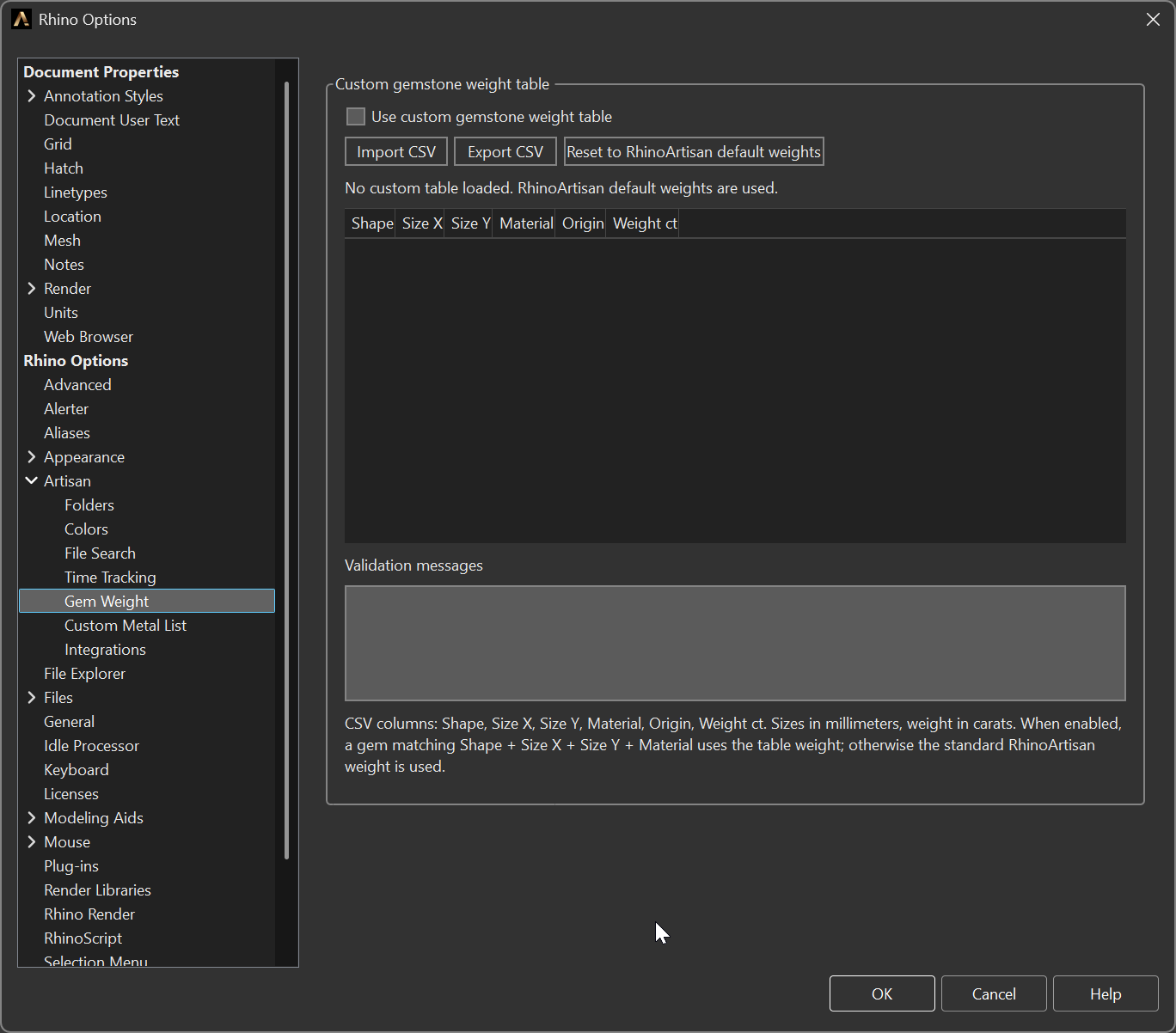
Options > Artisan > Gem Weight
Options
- Use custom gemstone weight table — switches the table on. A gem is matched by Shape + Size X + Size Y + Material; when a row matches, its weight is used, and anything that does not match falls back to the standard RhinoArtisan weight. There is no all-or-nothing: you can override the twenty stones you buy regularly and leave the rest alone.
- Import CSV — loads a table. The columns are Shape, Size X, Size Y,
Material, Origin, Weight ct, with sizes in millimetres and weight in carats.
Sizes match with a tolerance of 0.01 mm, so a row written as
3.00still catches a stone measuring 3.001. - Origin — not part of the match, but the tie-breaker. Two rows identical
except for their origin — say a natural and a lab-grown of the same cut and size
— resolve to the one marked
Natural. Leave the column empty if you do not distinguish them. - Export CSV — writes the current table out, so it can be edited in a spreadsheet or copied to another machine.
- Reset to RhinoArtisan default weights — clears the custom table.
The grid previews every loaded row, read-only, with a counter above it — it reads No custom table loaded until you import one. Validation messages reports anything the import could not read — a malformed number, a missing column, a duplicated row — instead of silently dropping it. To change a weight, edit the CSV and import it again.
Why it exists
Suppliers and labs do not all use the same weight for a stone of a given shape and size. Cut proportions differ, and so do the tables each house works from. When a quote is built on carats, a few per cent of difference on every stone in a pavé is real money — in the wrong direction, every time.
This page lets the weights in RhinoArtisan be the weights your supplier invoices you for.