Technical Documentation
Gems List
 Gems List
Gems List writes the stone table of the whole document into the scene: every gem’s shape, material, dimensions, weight per stone in carats, quantity, and total carat weight — the list the setter and the buyer work from.
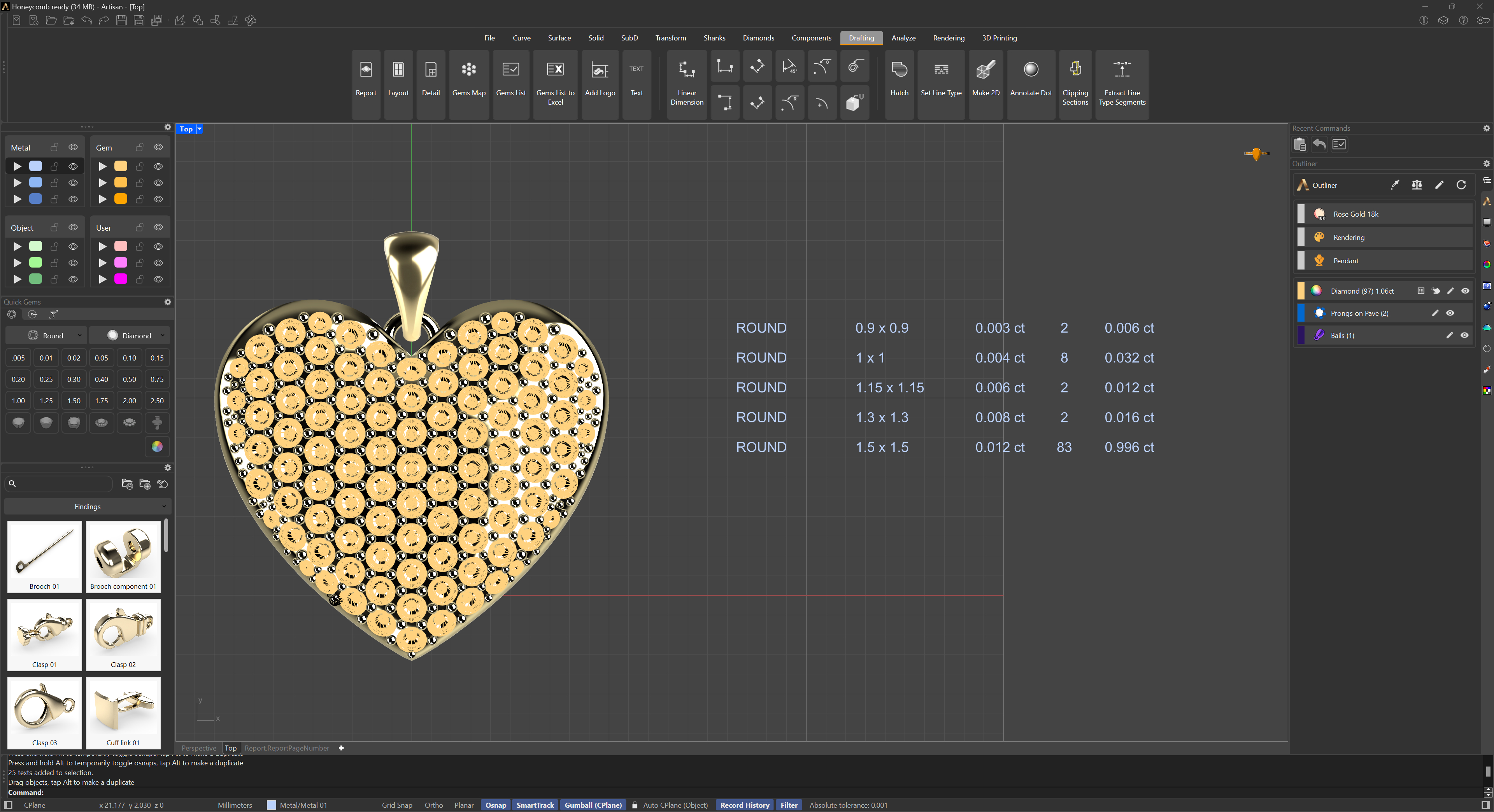
Run the command and pick a point in the scene; the list is generated there. Scale and move it with the Gumball, and edit any text by double-clicking on it.
To list only part of the piece, use Gems List by Selection; to get the same table as a spreadsheet instead of text in the scene, use Gems List to Excel.