★ The RhinoArtisan Blog
RhinoArtisan 7
Claude Can Now Design Inside RhinoArtisan
Book a demo with our teamSeptember 14, 2026 · RhinoArtisan · News
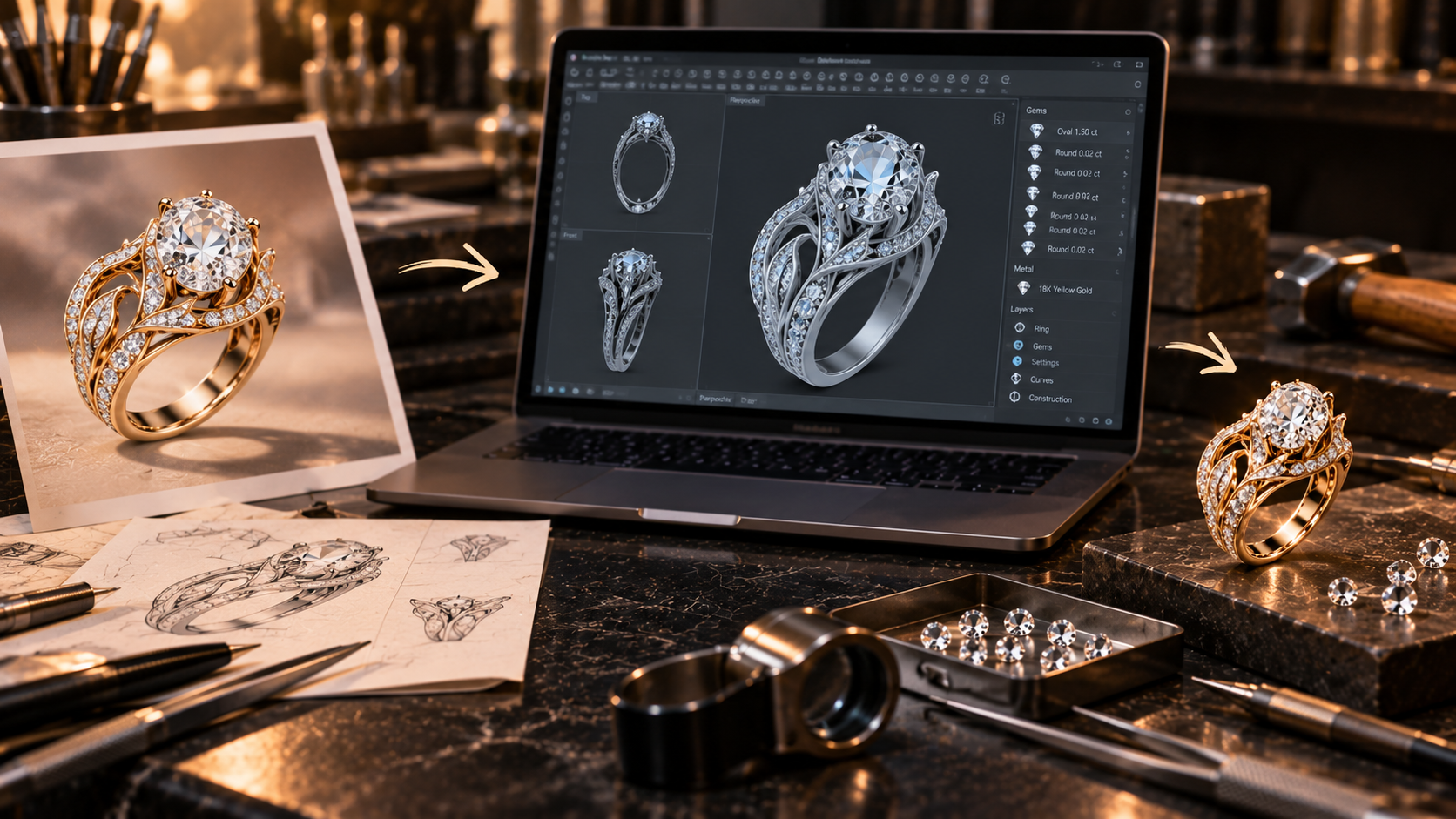
Until now, AI in jewelry design mostly meant generating images, ideas or text. With RhinoArtisan 7, it can do something much more interesting: work inside your real CAD environment. Claude can create stones, shanks, settings, halos and pavé, calculate weights and prices, check manufacturing, render or export, using the same RhinoArtisan tools you use yourself. More than 100 tools are already available through MCP.
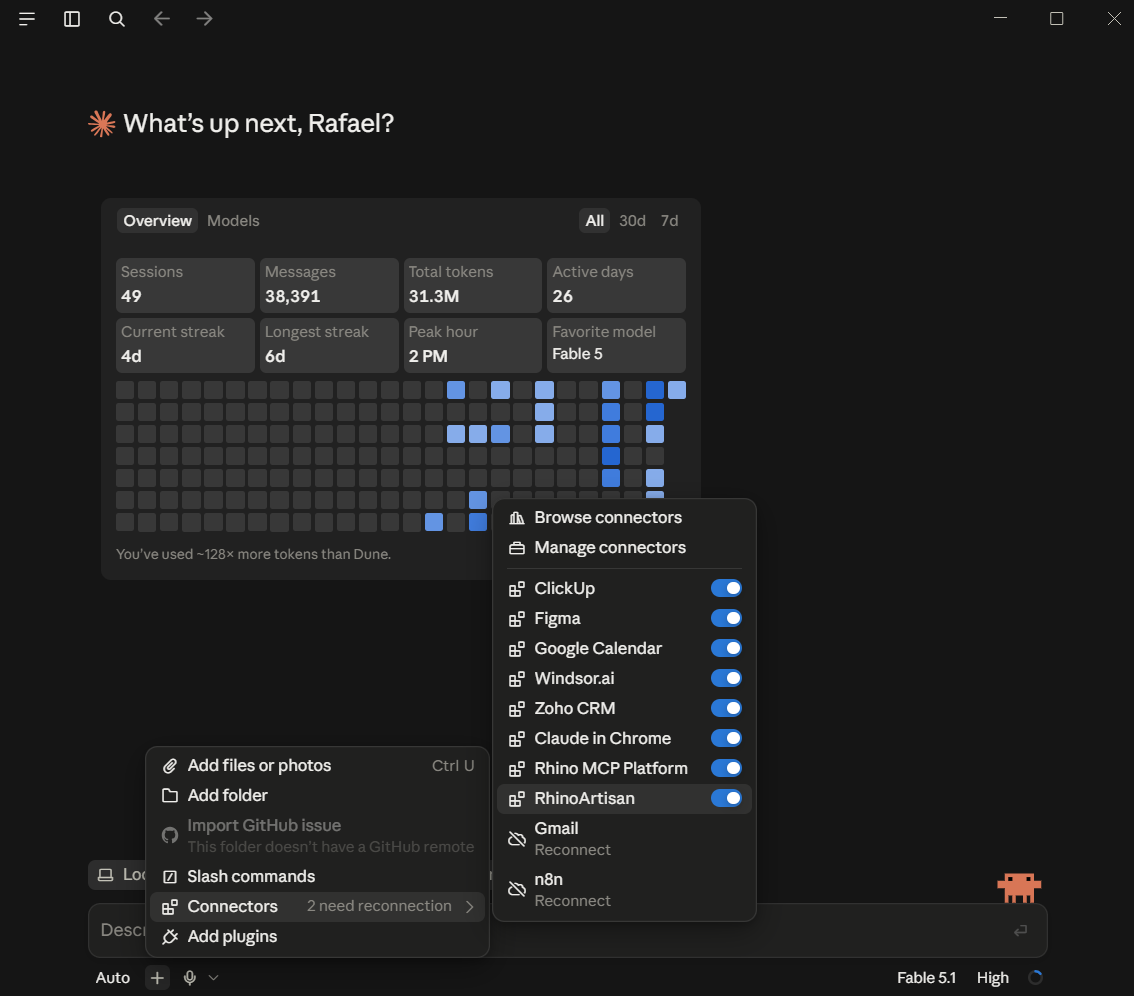
And now connecting Claude Desktop takes one Rhino command: ArtisanMcpConnectClaude. No Node.js, no editing JSON files, no ports, no technical setup. Run the command, restart Claude, and RhinoArtisan appears as a connector. You can even open Claude before Rhino: the new RhinoArtisan bridge waits in the background and reconnects automatically when Rhino becomes available.
Today we asked Claude: “Create a size 7 halo ring with a 1 ct round diamond, cathedral shank with pavé, and tell me the weight in 14K white gold.” And it did it. Not a picture of a ring. A real RhinoArtisan model: parametric, editable, undoable and ready to keep working on. Then you can simply say: make the shank thinner, change the center stone, raise the setting, calculate the new weight.
This is the part that excites us most about RhinoArtisan 7. AI is moving from telling you how to use CAD to actually using CAD with you. Designing, editing, calculating, checking and preparing jewelry through conversation. This is not just another AI feature. It is the beginning of Agentic CAD.
Docs: Connect Claude Desktop. More on MCP: Design Jewelry with Claude, ChatGPT or Gemini.
Design it. Manufacture it. Sell it.
Try RhinoArtisan free for 15 days
Full access to every tool. No credit card required. Works with your existing Rhino installation.
Setup takes less than 2 minutes
Talk to us
Let's talk about what you want to achieve.
Book a free 30-minute one-to-one session with a RhinoArtisan specialist. Tell us about your work, your challenges and what you would like to achieve, and we'll help you find the best way forward.